- On-page SEO
- Tutorial
Keyword Cannibalization: When Two Pages Compete for the Same Search
Editorial responsibility: SearchCub
Keyword cannibalization is unhelpful overlap between pages trying to satisfy the same search need. Two URLs appearing for a query are a reason to investigate, not an automatic reason to merge or delete them. First establish what each page does and whether the overlap is hurting the result you want.
Shared keywords can be perfectly useful
Imagine a camera website with a “buy a travel tripod” category and a guide to choosing a travel tripod. This is an illustrative example: both pages mention the same product, but one helps visitors shop and the other helps them decide.
Compare that with two articles called “Best Travel Tripods” and “Top Tripods for Travel,” using almost the same selection, audience and recommendation. Maintaining both may divide your effort without giving the reader a meaningful choice.
What the pages do | Initial decision |
|---|---|
Answer different tasks about the same topic | Keep both; make each purpose clear |
Answer the same task, but each has useful unique material | Consider combining the material |
Repeat the same content through alternate URLs | Investigate canonicalization or redirects |
Serve different audiences or constraints | Check whether those differences justify separate pages |
Google can show multiple results from one website; its site-diversity system is not a rule that each website may rank only one page per topic. Shared vocabulary alone is weak evidence of a problem.
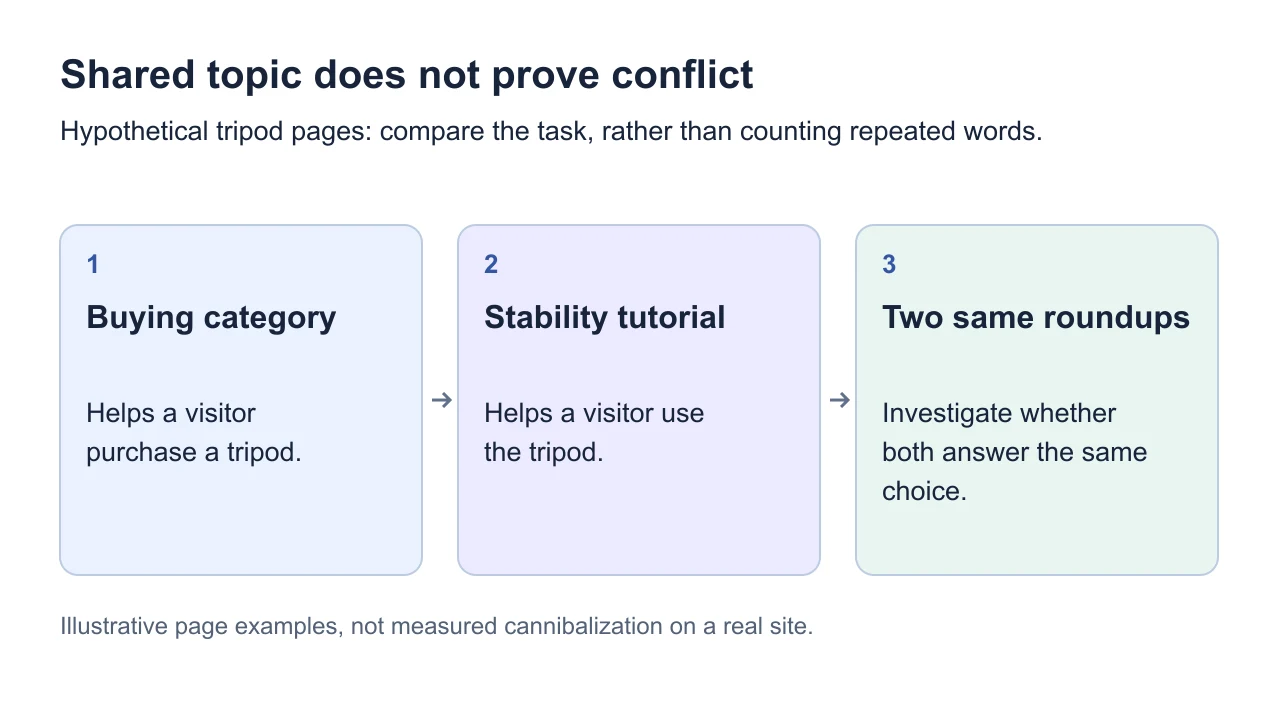
Illustrative page examples, not measured cannibalization on a real site.
Diagnose the overlap before changing URLs
Choose one search need. Write the task in a sentence: “Compare compact tripods for carry-on luggage.” Avoid auditing every page containing “tripod” as though they should all become one article.
List the relevant URLs. For each, record its audience, main answer, and next action. Read the pages themselves; nearly identical titles can hide different content, and different titles can hide duplication.
Check actual search exposure. In Google Search Console, open the Search results performance report, filter the query, and review the Pages dimension over comparable periods. Record which URLs receive clicks and impressions. This is an external Google tool for properties you can access.
Inspect the available results. Use SearchCub's SERP overview to review the formats appearing for the query in your target market. Decide which of your pages fits that task. A single search-result snapshot cannot establish a persistent overlap problem.
Keep the country, device, search type and date range consistent. Repeat the query-to-page check for important related phrases rather than relying on one query or one day. Save the query group, affected URLs and evidence before editing. Google's common Performance-report tasks describe checking which pages receive exposure for a query.
Suppose page A loses clicks while page B gains them. That may be a change in which URL is surfaced, rather than a loss for the topic overall. Review both pages' clicks and the quality of their visits before declaring damage. Also check whether an unwanted URL sends readers to a weaker answer or an irrelevant next step.
Choose between differentiation, consolidation and canonicalization
Differentiate when both pages have a job. A shopping category should make product selection easy; the buying guide should explain the decision. Give each a precise title, opening answer and internal-link description. Link between them where a reader naturally needs the other task. Our search-intent article can help make that distinction.
Consolidate when one page can serve the whole task better. Before changing anything, inventory the useful sections, downloads, links and reader actions on both pages. Choose the destination that best fits the lasting purpose, combine the useful material, and update internal links. If the old page is being retired and has a relevant replacement, use a permanent redirect to that replacement. Do not send unrelated pages to a convenient homepage.
Use canonicalization for duplicate or very similar versions that remain accessible. A canonical identifies your preferred version; it is not a way to make unrelated pages target different keywords. Follow Google's canonicalization guidance, keeping redirects, canonical declarations and sitemap choices consistent.
Avoid adding noindex to a valuable page merely because another page ranks for its keyword. Google recommends canonicalization, rather than noindex, when choosing a preferred version within a duplicate set.
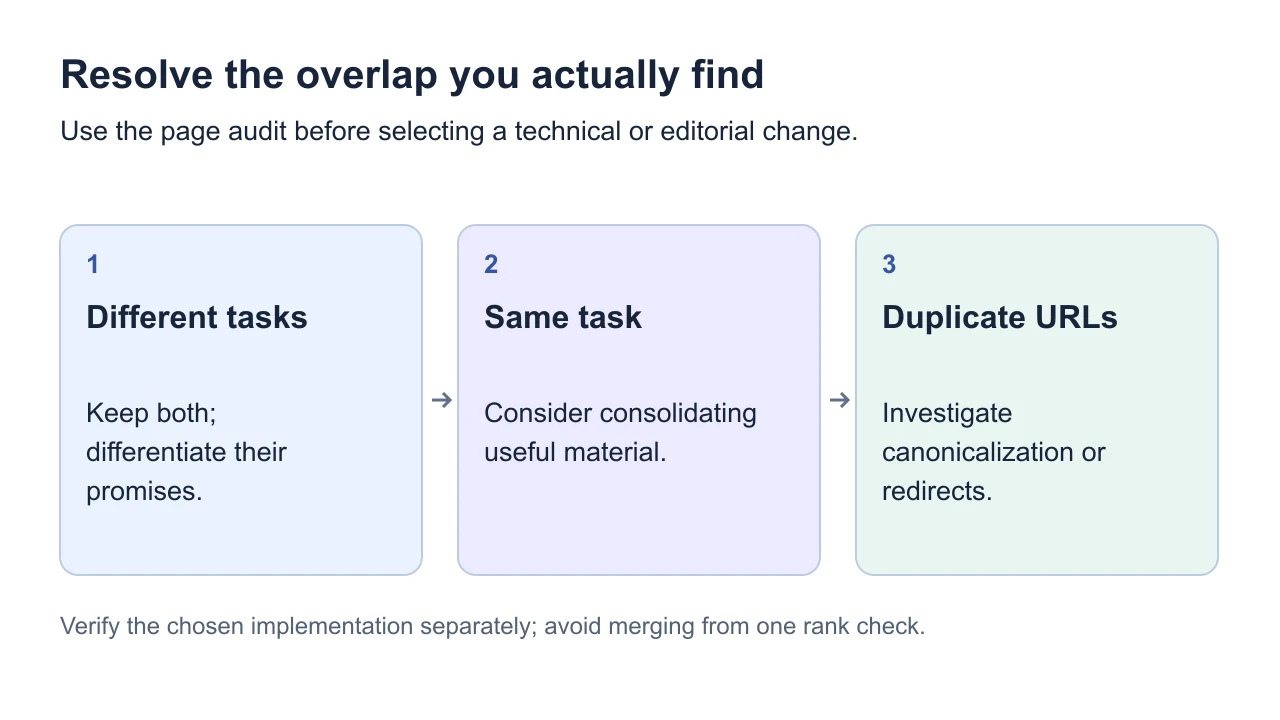
Verify the chosen implementation separately; avoid merging from one rank check.
Verify the result for the whole topic
After changes, test the old and new URLs and their internal links. Use URL Inspection to check Google's selected canonical after it has processed the change; the live test cannot predict that choice.
Then compare the same queries and periods across the affected pages. Success means readers reach a suitable page and the topic's useful traffic holds up or improves. The disappearance of one URL from a report is not, by itself, evidence that the problem was fixed.
Finish with a documented keep, differentiate, consolidate or investigate decision. The page-keyword workflow helps collect evidence for each URL. Google's SEO Starter Guide distinguishes duplicate-content handling from an automatic spam-policy violation; do not describe shared vocabulary as a penalty.