- Competitor Research
- Tutorial
Compare two competing pages by search intent and useful coverage
Editorial responsibility: SearchCub
Compare competing pages by the reader task they complete and the evidence they provide, rather than by counting headings or words.
Two pages can discuss the same topic while helping readers make different decisions. Your comparison should explain those differences before you decide what to change on your own site.
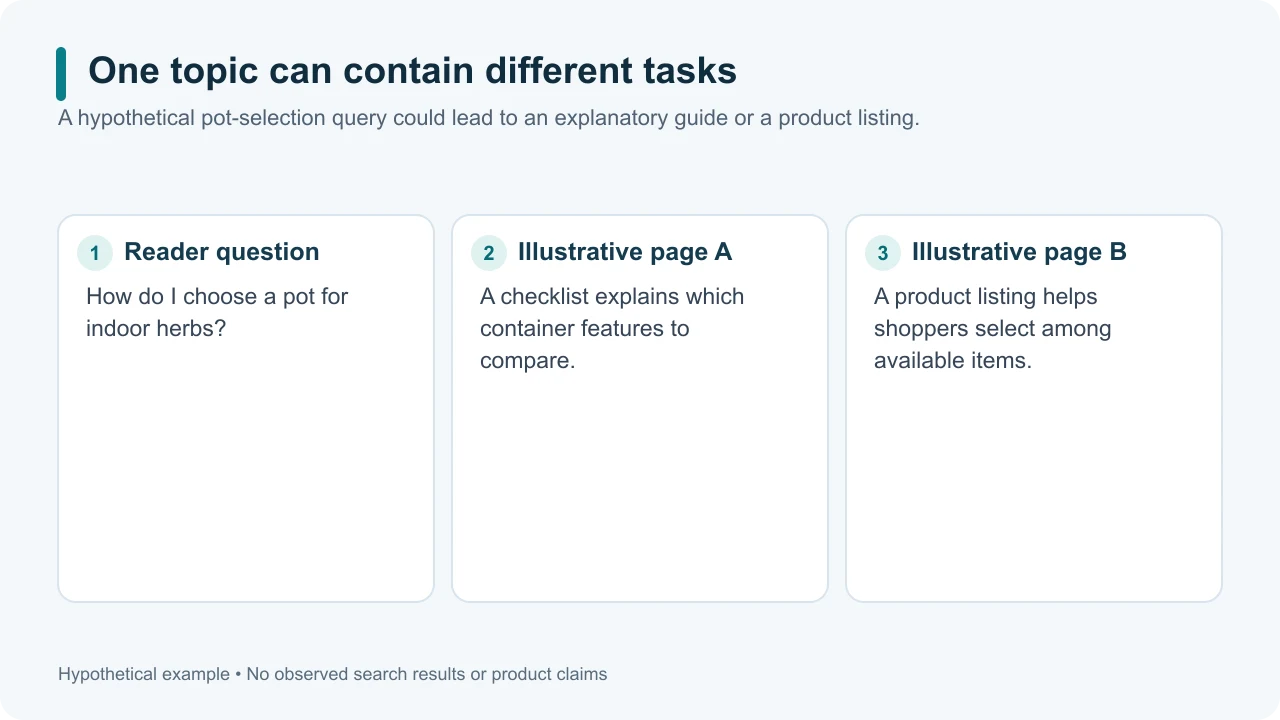
Original illustrative diagram: shared subject matter does not guarantee the same purpose.
1. Fix the question and research context
Write the exact query, country, language, device context if known, and observation date. Pick two organic results for that question. Avoid comparing a tutorial found for one query with a sales page found for another and then treating the result as an intent finding.
Record the URL of each page, then open both. Search snippets may omit important context. The full page reveals what the reader is expected to do and what information supports that action.
Google describes interpreting query meaning and matching useful content as part of Search. An intent assessment is your evidence-based reading of the results, not a direct look inside Google's ranking systems. How Search works.
Use our search intent explanation if you need help distinguishing the task from its topic.
2. Write each page's purpose in one sentence
Use this structure: “This page helps [reader] do [task] with [kind of answer].”
For an illustrative query about choosing a pot for indoor herbs, page A might help beginners compare container features with a checklist. Page B might let shoppers choose among products with specifications and prices. These are hypothetical examples; no current search results or product tests are being reported.
The topic overlaps, but the immediate actions differ. A useful page may combine information and buying options. Avoid forcing every result into one label when the evidence shows a mixed task.
3. Compare the information needed to act
Create a table using reader requirements, not the competitor's heading list:
Requirement | Page A | Page B | Why it matters |
|---|---|---|---|
Explains selection criteria | Evidence or absence | Evidence or absence | Reader can evaluate options |
Shows an understandable example | Evidence or absence | Evidence or absence | Reader can apply the criteria |
States important limits | Evidence or absence | Evidence or absence | Reader avoids overgeneralizing |
Provides the next action | Evidence or absence | Evidence or absence | Reader can complete the task |
Replace “evidence or absence” with a short observation and section reference. Do not mark a criterion present merely because the page contains the same term. Ask whether it explains the decision.
Add criteria specific to the task. A troubleshooting guide needs a diagnostic path; a comparison needs consistent options and criteria; a tutorial needs usable inputs and steps. Remove criteria that serve no purpose for this question.
4. Separate coverage from credibility
A page can mention every subtopic and still leave the reader unable to act. Check whether claims have suitable evidence, whether examples are real or illustrative, and whether an explanation depends on an unstated assumption.
Do not infer a page's reliability from its length alone. Google's content guidance asks about usefulness and original value, and says it has no preferred word count. Helpful-content guidance.
For the hypothetical pot example, a claimed “best container” needs clear criteria and support. A transparent explanation of tradeoffs may be more useful than a long list with unexplained rankings. The comparison should identify the support needed; it should not manufacture test results to fill the gap.
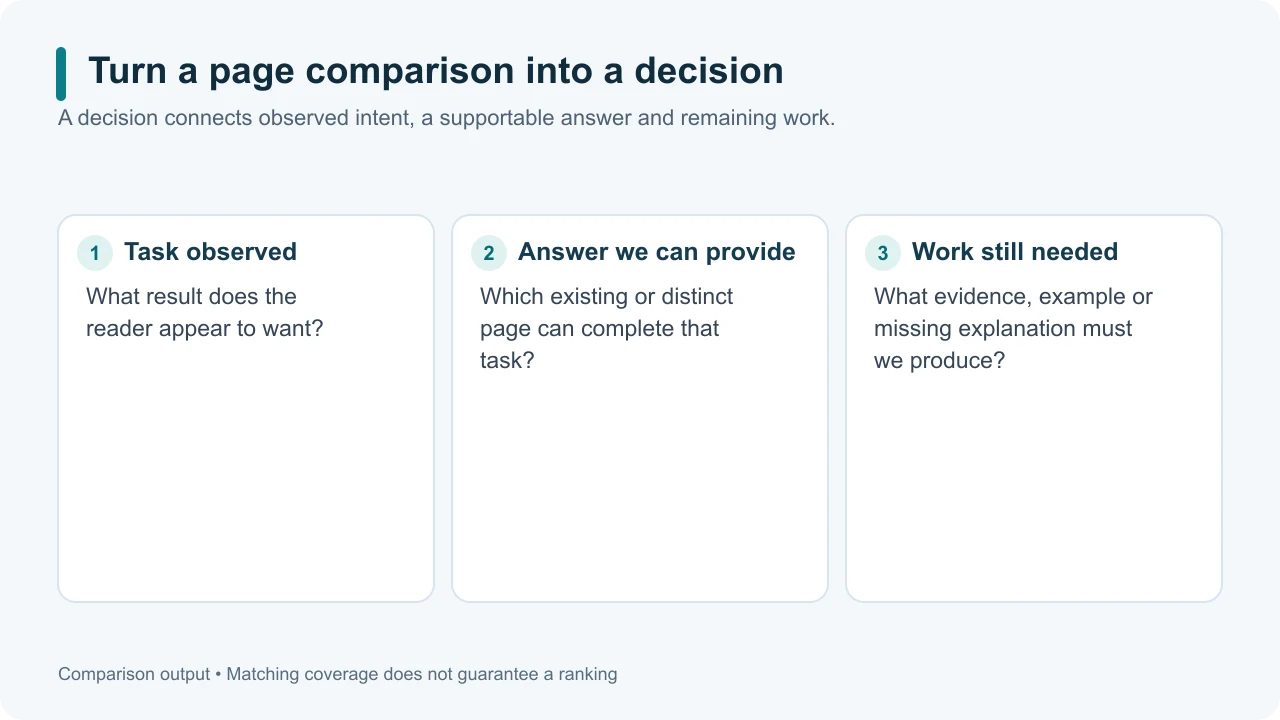
Original illustrative diagram: turn observations into one supported editorial decision.
5. Decide what your page should do
Write a conclusion in three parts: the dominant reader task you observed, the useful answer your site can provide, and the evidence or work needed to produce it.
If your existing page serves the task, improve the specific weak step or explanation. If it serves a different task, preserve that purpose and consider a distinct page only when the distinction is useful and supported. If the results are mixed or the evidence is thin, keep the conclusion tentative and inspect more examples.
Do not conclude that matching two competitors guarantees their rankings. Your comparison describes content and intent, not every reason Google orders results.
Save the table with its source URLs and date. Open SearchCub when you want to investigate the query or pages further, then connect any new evidence to the decision you have already documented.
For the wider process of reading the results page, continue with SERP analysis.