- Content Planning
- Tutorial
How to group keywords into topics and map them to pages
Editorial responsibility: SearchCub
Group keywords by the task a reader wants to complete, then assign each group to an existing page or a clearly distinct new page.
Similar words are a useful clue, but they are not enough. “French press ratio” and “French press cleaning” mention the same equipment while asking for different outcomes. “How much coffee for a French press” and “French press coffee ratio” may fit one answer. This tutorial uses those phrases as a hypothetical planning example, without claiming current demand or search-result similarity.
1. Put every candidate in one working sheet
Create columns for query, reader task, market, evidence source/date, result format, existing page, proposed group and action. Keep the original phrase so you can trace why it entered the list.
Use an “unknown” value where evidence is missing. A blank cell can be mistaken for a completed check, especially when somebody else takes over the plan. Add a reason such as “result format not checked” or “current article inventory pending.”
Start with a manageable set. A short list that you understand is more useful than hundreds of automatically grouped phrases that nobody has inspected.
2. Give each phrase a task sentence
Translate the query into “The reader wants to…” without changing its meaning. This forces you to separate vocabulary from intent.
Hypothetical query | Reader task | Initial group |
|---|---|---|
French press coffee ratio | Choose starting ingredient quantities | Ratio guide |
How much coffee for a French press | Choose starting ingredient quantities | Ratio guide |
Clean a French press | Clean the equipment after use | Cleaning guide |
French press versus pour over | Choose between brewing methods | Method comparison |
Do not force a buying comparison into a tutorial just because the nouns overlap. If a phrase is ambiguous, leave it unassigned until the search results or audience evidence clarify it.
Use the search-intent guide if you need to clarify the outcome behind a phrase.
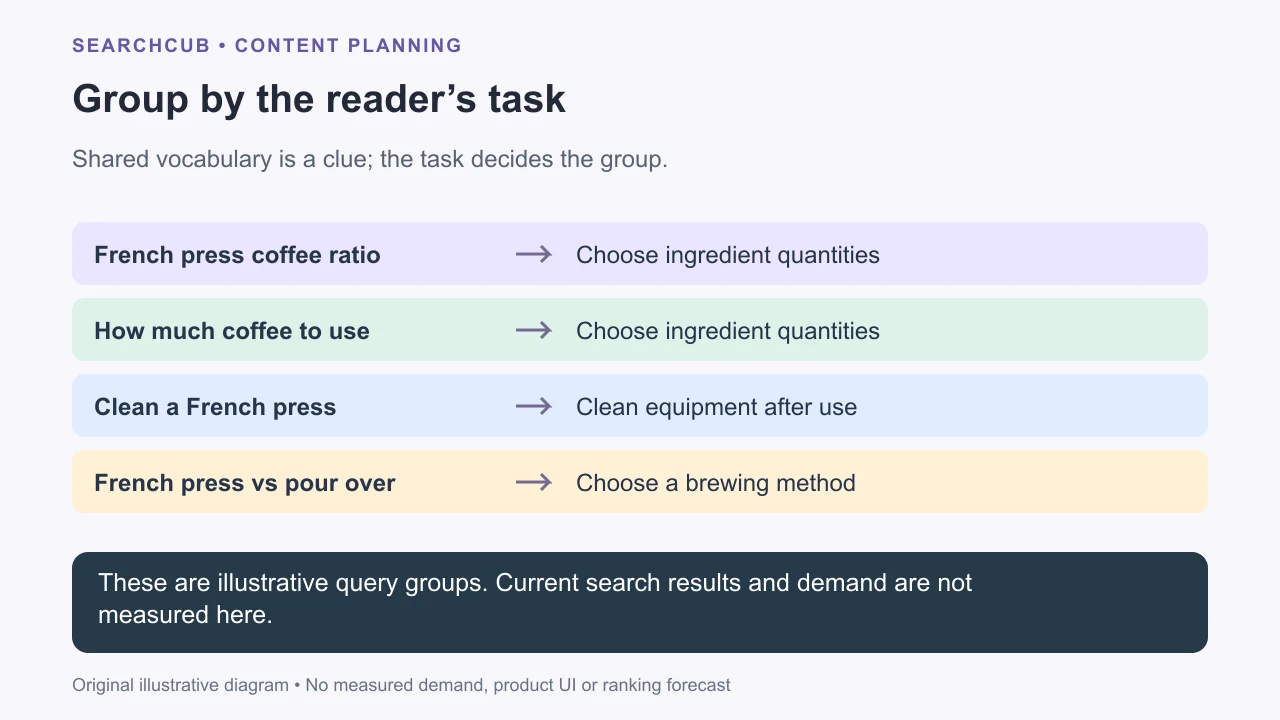
Illustrative grouping: shared equipment does not make every question the same task.
3. Check whether current results support the groups
Search representative phrases in the same market and record what kinds of pages answer them. Look for recurring URLs, similar formats and differences in the promised outcome.
If two phrases repeatedly show similar types of answers, that supports a shared page. If one expects a calculator and another a photographed installation, merging them might make the page awkward. There is no universal percentage of shared results that proves the correct grouping.
Treat result overlap as evidence to interpret. A manual sample can miss variations, and today's results can change. Store the observations so a reviewer can question your decision without repeating the whole exercise.
4. Map groups to the current inventory
For each group, open the most relevant published page and check its introduction, headings, examples and conclusion. Include drafts awaiting publication. Titles alone can hide substantial overlap.
Assign one editorial owner for each task. This is a planning choice, not a claim that Google forbids multiple pages discussing the same subject.
If the existing ratio guide answers both quantity phrases, refresh that guide if needed.
If cleaning deserves its own instructions and evidence, consider a separate cleaning page.
If a method comparison already exists, improve its buying decision rather than publishing a second version with a slightly different title.
Write down what makes a proposed page distinct. “Different keyword” is not enough; “helps the reader choose equipment rather than use equipment they own” is a useful explanation.
5. Plan the links around the reader's next task
A ratio guide might link to troubleshooting when the result is unsatisfactory. A method comparison might link to the relevant beginner guide after the reader chooses a method. Put the links where that next question arises.
Google's link guidance recommends contextual, descriptive links and at least one incoming link for a page you care about. Add that incoming link to the plan so a new page is not forgotten after publication.
Avoid inserting a link to every page in the cluster into every paragraph. A group is useful when it helps readers navigate a topic, not when it creates a repetitive block of keyword anchors.
Our internal-linking guide covers the next navigation check once the owning pages are selected.
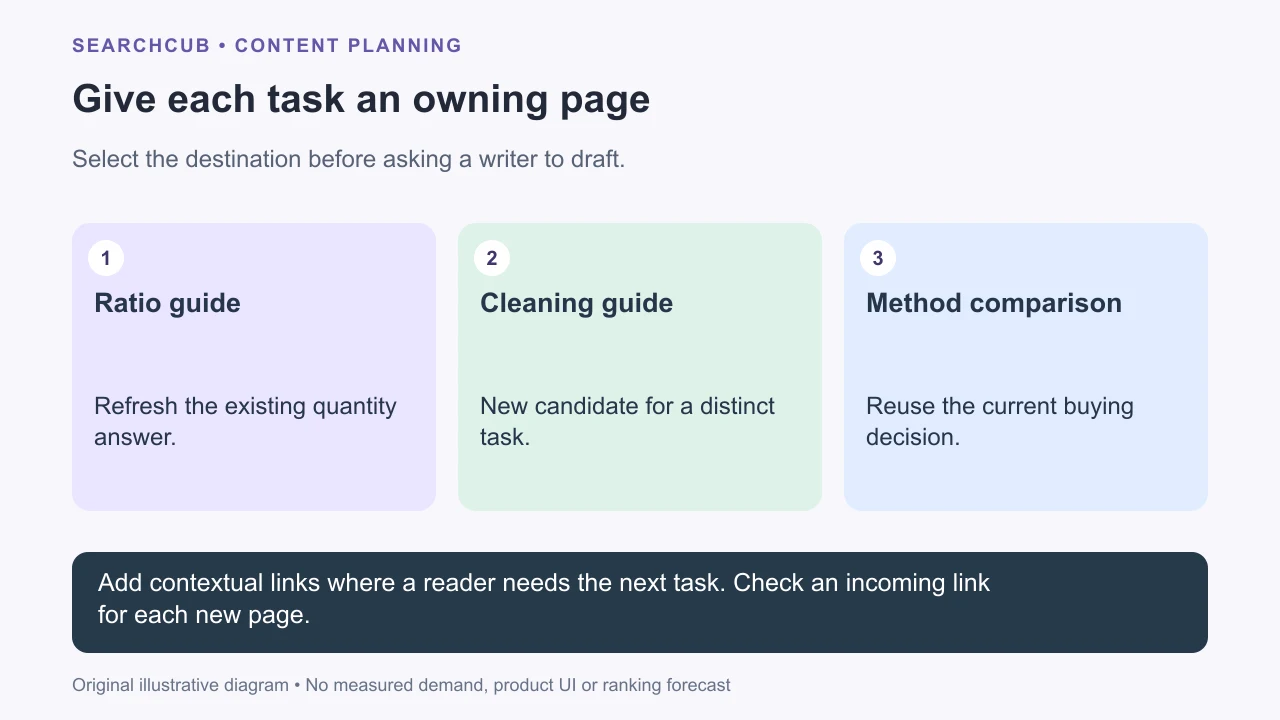
Illustrative page map: a group gets an action and a destination before drafting begins.
6. Freeze the map before assigning the batch
Record the selected group, owning URL, action and reviewer in each brief. If a writer finds new overlap, return to the map before producing a competing article.
The finished sheet should let another person answer three questions quickly: What does this page help readers do? Why is this the owning URL? What evidence could change that decision?
Next, use the map to build a 30-day content plan. Bring that map into your SearchCub research rather than treating every discovered phrase as a separate publishing assignment.