- Competitor Research
- Tutorial
Competitor Keyword Research: How to Find Ideas Worth Targeting
Editorial responsibility: SearchCub
Find the keywords relevant competitors rank for, then keep the topics your audience needs and your site can answer well. For each promising idea, inspect the ranking page, compare demand and difficulty, and decide whether to improve an existing page or create a new one.
The useful output is a short list of justified page ideas. A competitor's ranking alone does not explain whether a topic belongs on your site.
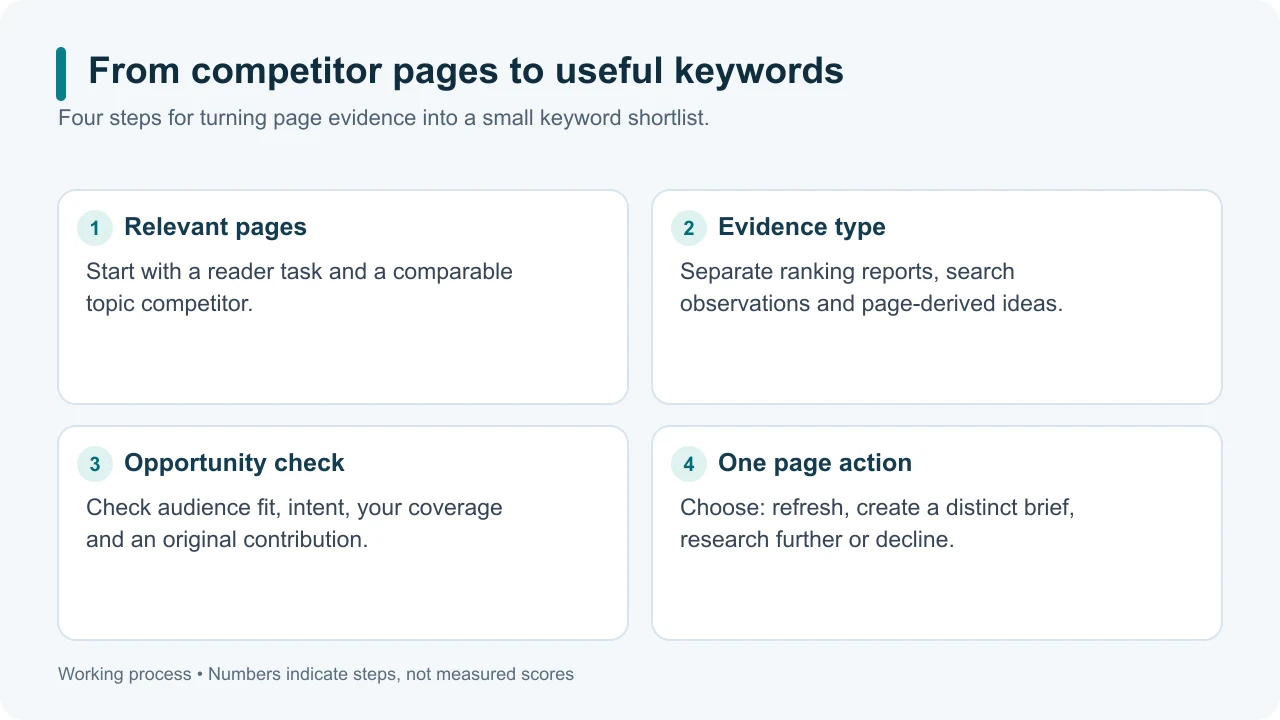
Original illustrative diagram: move from pages to decisions rather than importing every keyword.
1. Choose a competitor for the topic
Pick a site serving a similar reader or solving a similar problem. A specialist publisher may be a useful search competitor even if it sells a different product. A large marketplace may provide too many unrelated ideas for a focused research session.
For an independent coffee equipment shop, start with another specialist shop or a publisher covering home brewing. Decide which topic you want to improve before looking at the numbers: grinder selection, brewing technique or maintenance, for example.
Competitor research often starts with organic keyword and landing-page reports. Ahrefs' competitor-keyword guide describes this approach, including reviewing topics for new pages or existing content.
2. Research the domain in SearchCub
Open SearchCub, choose Domain, enter the competitor's domain, select your target Region, and submit the request. Review any account and usage prompts before continuing. Review the returned keyword set.
The domain ranking column shows its supplied organic position and landing page for each keyword. Monthly searches estimates demand for the keyword; it does not tell you how many people visited that competitor's page. Difficulty estimates the organic ranking challenge. Use a country when you need difficulty scores.
If one article is especially relevant, choose Page and enter its complete HTTPS URL to research that page. This keeps your investigation focused on a specific answer instead of the whole site. For a worked example and help interpreting the results, follow the step-by-step page keyword walkthrough.
Keep the source and scope beside the results
Record the provider, exact target, country, language, retrieval date and coverage limits. Check ranking and metric update dates separately where supplied. A newly retrieved report can contain older observations, and a missing row does not prove a competitor never ranks for that query. Leave unavailable estimates unknown.
Evidence | What it supports |
|---|---|
Dated organic-ranking report | Queries and positions recorded in the provider's covered market |
Manual search observation | A page appeared in that particular observed result set |
Words extracted from a page | Topic leads to investigate, without proof of rankings |
If you use Google Keyword Planner for website-based keyword ideas, treat them as topic leads rather than ranking evidence. They are suggestions, not the website's actual organic rankings; Planner's competition metric concerns advertisers. Google explains historical metrics.
3. Remove ideas that do not fit
Start with relevance. Open Filters and sorting, use Include words for your topic and Exclude words for an unwanted brand or term, then click Apply filters. Review the filtered rows before choosing candidates.
Candidate idea | Keep or skip? | Reason |
|---|---|---|
A competitor's login or support page | Usually skip | The reader wants that specific company's service. |
A product category you do not sell | Skip unless it serves a real editorial purpose | Traffic alone would not make the page useful. |
A comparison involving products you can evaluate | Investigate | You may be able to help the reader choose. |
A recurring problem your customers face | Investigate | A demonstrated solution could serve your audience. |
Do not remove every query containing a competitor's name automatically. A fair, evidence-based comparison may have a legitimate purpose. It needs an actual comparison, not a page pretending to be that competitor.
4. Inspect the pages behind the keywords
Open the supplied landing page. Then click the keyword and inspect SERP overview to see other returned pages for that query.
Record three things:
Reader's job: What question or decision does the page address?
Expected format: Does the result need a tutorial, comparison, category page or tool?
Your contribution: What can you demonstrate, test or explain that helps the same reader?
Look for a concrete improvement you can deliver. For example, a brewing guide might benefit from photographs showing grind size and common mistakes. Only promise that evidence if you can create it. Google's helpful-content guidance encourages original value instead of simply reworking other sources.
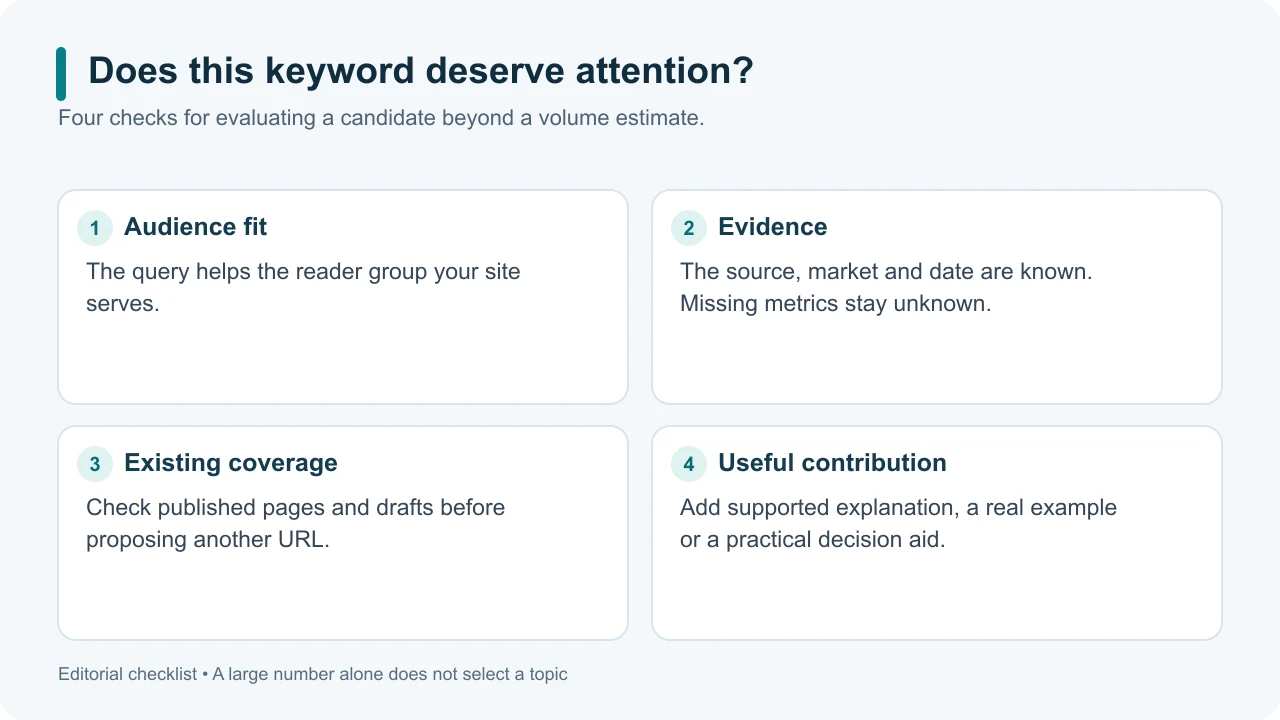
Original illustrative diagram: a useful keyword passes several checks; volume alone does not settle the decision.
5. Choose an existing page or a new one
If your site already answers the same question, update that page. If the idea requires a different task, format or audience, consider a separate page. Group close variations that would receive essentially the same answer.
Finish your shortlist with query group, competing URL, evidence type, reader outcome, existing owner, useful contribution and next action. Check private drafts as well as published articles before assigning a new page. Use the row checkboxes in SearchCub and choose Download → Selected rows · CSV to retain the keyword data; keep your reasoning alongside the export.
Before writing, compare the candidates using search volume vs keyword difficulty. Choose one page whose audience, evidence and effort make sense, then draft the answer that reader came for.
Continue the research
Start by choosing useful SEO competitors, then compare their pages by reader task. Check report coverage and dates before treating a keyword row as current evidence, and validate a keyword gap against your own coverage.
When a page reveals a useful missing answer, turn the observation into an original brief. Keep the reason and next check in a competitor research log.
To narrow a manual search for relevant pages or passages, use Google search operators, then read each page before adding a finding to your shortlist.